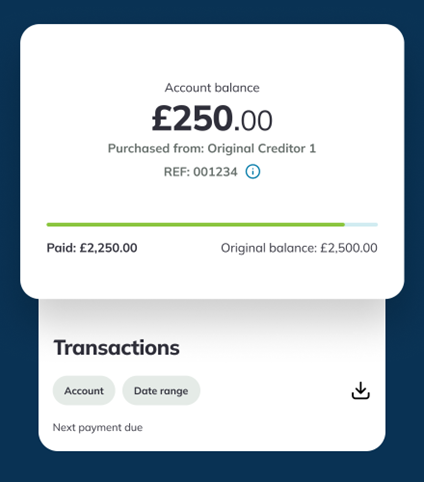
The PRA Group app puts everything you need to manage your account in one secure place.
From making payments to viewing your balance, setting up plans, tracking your progress and managing your budget, the app provides another way to access and manage your account.
Key features
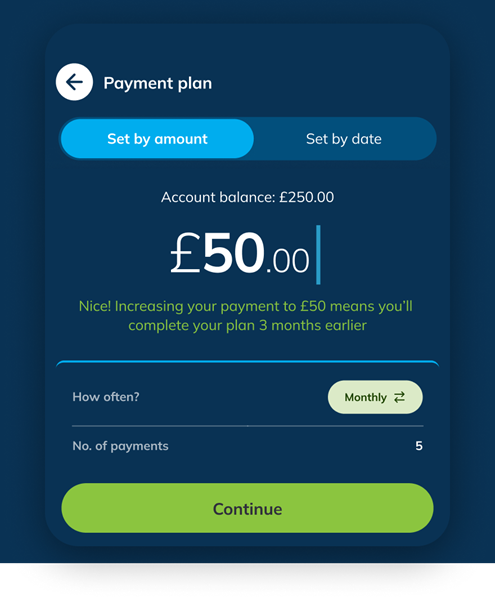
Create a payment plan to suit your budget
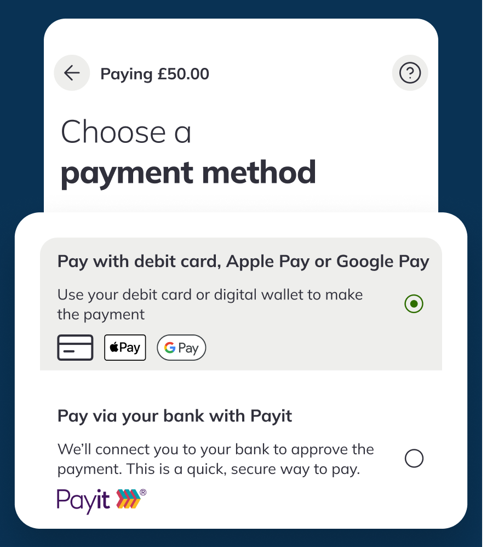
Quick and secure payment methods
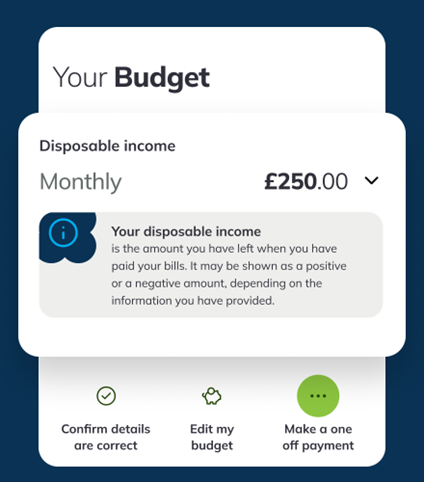
Calculate and manage your budget
Track your progress and transactions
Take control of your account, at your pace
The PRA Group app is designed to support you, giving you the tools you need to move forward with confidence.
You can download the PRA Group app today and share your feedback so we can improve your experience and our services.
Don’t worry, from time to time we will need to do some maintenance on the app, which means you won’t be able to make a payment this way. You can make any payments quickly and easily through our online portal instead. You can also contact us.
Our app has been designed for use with smartphones. It won’t work on laptops or tablets. You can find out if our app is compatible with your phone’s version of iOS or Android by visiting the relevant app store.
As long as your device is able and you’ve enabled automatic updates, the latest version will be installed automatically. Otherwise, you’ll need to download the latest version from the app store when a new update becomes available.
Our app is free to download, however if you use the app whilst out and about you might incur data charges from your network. Check your mobile tariff to find out more.
Download and open the app. Register using your personal details or web reference and password. If you have already registered your account, then log in with your email address and password.
If you’re using a phone with biometrics enabled, you will be able to log in to the app using your fingerprint or face recognition if you enabled these the first time you logged in to the app. You can turn this feature off at any time when you’re logged in.
You can turn off the fingerprint and face recognition feature in the Profile section in the PRA Group app. You can also follow the settings on your device to turn biometrics off.
Your biometrics are stored on your phone and won’t be stored in our app. If you want to find out more about what personal information we collect, you can check out our Privacy and Cookie Policy.
We only collect the information we need to manage your account and make sure we can give you the best experience possible by keeping our app running smoothly. You can find out more about what personal information we collect in our Customer Fair Processing Notice and Privacy and Cookie Policy.
If you don’t want to use our app any more, you can remove it by following the instructions in your app store. You can still use the same login details to manage your account online. If you’d rather speak to someone, you can contact us.
Absolutely. Protecting your data is really important to us. You can find out more about how we look after your data in our Privacy and Cookie Policy.
Understanding your situation today to help make you feel ready for tomorrow.
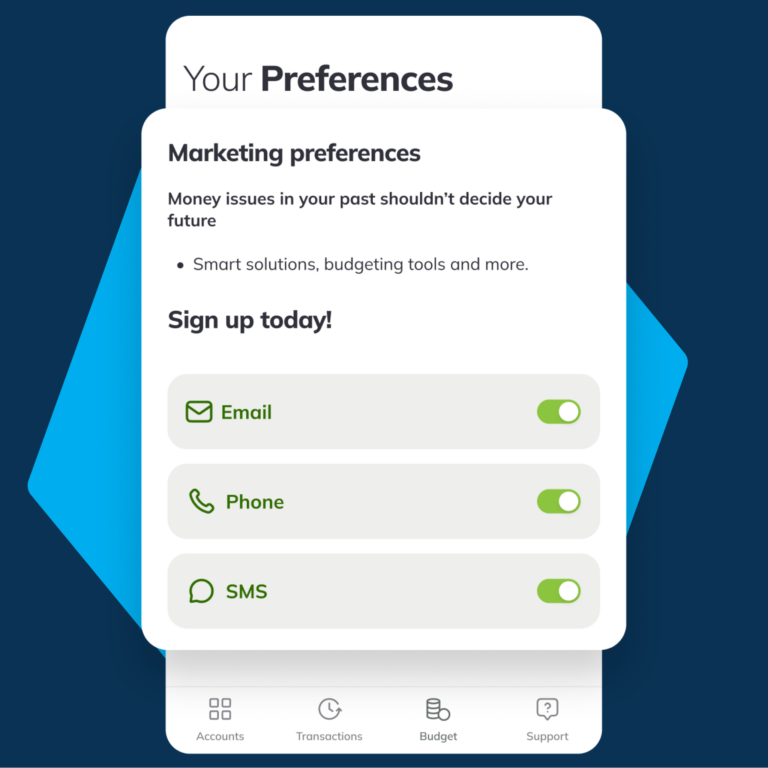
At PRA Group (UK) we want to support your financial wellbeing. Sign up to receive updates on tools, budgeting support, and upcoming products and services that could help you meet your needs and goals.
Each year millions of people fall behind on their bills for many reasons -
things don’t go as planned, and then debt happens…
When a person is unable to pay back a loan, credit card or another account,
their creditor may sell that debt to a company like ours..
If your account was sold to us, we’re here to help make repayment easier.
We’ll send you a welcome letter that explains who we are and invites you to
access your account online –
where you can view your account information and manage flexible payment
options that allow you to create an affordable payment plan, make a
payment or pay it all off.
We don’t add interest or fees, and we won’t sell your account.
And when your debt is cleared, we’ll happily send you a confirmation.
Because we understand debt happens.
We’re PRA Group.
We’re changing the way debt repayment works by treating our customers
with the fairness and respect they deserve.
We’ve helped millions of people clear a debt - let’s work together to find your
path to recovery.